Legal Aid Plugin
A set of fifteen pre-built AI workflows for legal aid back-office tasks, configured once to the office's funders, jurisdictions, and supervision rules.


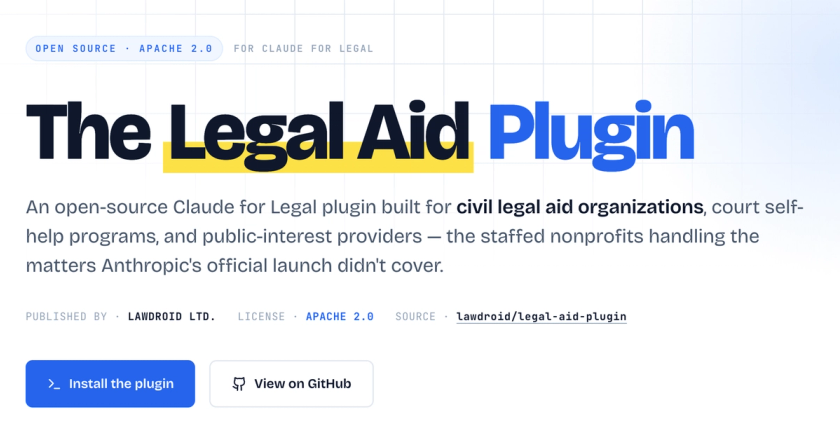
About This Project
The Legal Aid Plugin runs inside Claude Code, an Anthropic product that lets a person work with Claude on their own laptop instead of through a web browser. A "plugin" is a bundle of pre-written workflows that an organization installs once. A "skill" is one specific workflow inside the bundle, started by typing a slash command (for example: /client-intake). After install, an attorney types the slash command and Claude walks through the task.
The plugin is built for legal aid staff, not for the public.
What it does
The fifteen skills, grouped by use:
Office setup (done once). /cold-start-interview walks the managing attorney through a one-hour interview about the office: funders, jurisdictions, supervision rules, conflict-check process, practice areas. The answers are saved in a single file (CLAUDE.md). Every other skill reads this file at runtime, so the office's rules carry through every later task without being re-entered.
Onboarding new staff. /onboard produces an orientation document for a new hire. /build-guide produces a per-practice-area guide.
Front of the funnel. /eligibility-screening checks income, assets, residency, conflicts, and funder-specific restrictions. /client-intake runs a practice-area intake interview, with Rule 1.18 prospective-client protections in the prompt.
Drafting and research. /draft produces first drafts of common documents (eviction answers, protective orders, demand letters, benefits appeals, asylum applications). /memo produces an IRAC memo. /research-start produces a research roadmap. /client-letter produces routine correspondence. /status produces an audience-appropriate case summary.
Operations. /deadlines logs case deadlines into a tracking file. /client-comms-log appends entries to a per-case communication record. /case-transfer produces a handoff memo when a staff member leaves.
Supervision and reporting. /managing-attorney-review routes drafts to a supervisor, with three configurable routing models. /lsc-report pulls together data and narrative for LSC, IOLTA, HUD, VAWA, and foundation grant reports.
The outputs are drafts. The plugin's framing on the landing page: "Citations are leads, not authorities. Deadlines are recorded, not calculated. Eligibility is screened, not decided." Every draft is labeled as a draft for attorney review.
What it does not do
It is not a public-facing chatbot. Clients do not interact with it. It does not connect to the office's case management system (LegalServer, Clio, others). Staff have to copy outputs across manually. It does not file documents with the court. It does not calculate deadlines on its own; it records them.
It is also not bundled with LawDroid's other products. The Legal Information Assistant (a public-facing chatbot deployed at Legal Aid of North Carolina) and the Voice Intake Assistant (a phone intake agent deployed at Legal Aid of Middle Tennessee) are separate paid products.
Setup and licensing
Three commands: clone the GitHub repository, install via Claude Code, run the cold-start interview. The plugin runs locally on the office's machines with no phone-home and no SaaS dependency. Apache 2.0 license. A Claude subscription is required to use Claude Code itself; Anthropic offers a nonprofit discount through Claude for Nonprofits.
LawDroid offers paid services on top of the open-source plugin: per-org deployment with IT and compliance integration, per-jurisdiction playbooks, and integration with the Legal Information Assistant and Voice Intake Assistant.