Description
When people face a legal problem such as eviction, debt collection, family separation, or losing benefits, they usually don't know where to start. They have questions. They're scared. They don't know if their problem is "legal." They don't know what rights they have or what to do next.
This task is a conversational legal triage and orientation assistant. The person describes their situation in their own words: typed, spoken, or uploaded. The system asks clarifying questions, listens for key facts (deadlines, geography, issue type), and responds with information the person can act on. At the end of the interaction, the person gets a summary of their legal situation, an explanation of their rights and risks, and links to specific help: legal aid organizations, court self-help centers, forms, or guided tools.
The system does not give legal advice or make legal decisions. It focuses on orientation, triage, and empowerment: helping the person understand what they're dealing with and what to do about it.
For staff, the same system can act as a co-pilot. A junior staff member, pro bono volunteer, or navigator sits with a client and uses the tool to find relevant information, draft follow-up responses, or check whether they've covered the key issues. The system augments human judgment.
This task serves legal help website visitors, hotline callers, court self-help center walk-ins, pro bono volunteers, junior legal aid staff, and community navigators.
What Success Looks Like
The person understands their legal situation. They know what their rights are. They have a concrete next step: fill out this form, call this number, show up at this address, bring these documents. They feel less afraid and more in control.
For staff co-pilot use: the staff member spends less time researching and more time listening. The system catches issues the staff member might miss. The person gets more complete help in less time.
Stakeholder Priorities
Legal help teams rated this task as one of the most valuable, with an average value score of 4.53 out of 5 (High) and a collaboration interest score of 3.42 (Medium). The difference between the two scores reflects a real tension in the field. Teams want this tool, but not everyone agrees it should be built as shared national infrastructure, because local laws, content quality, and organizational readiness vary so much.
What the Field Is Saying
The strongest appetite is for internal co-pilot use, where AI supports human navigators.
"I am a bit wary of a public-facing tool that is doing legal triage. If it's not correct, it can cause harm."
"From what I've seen, most of the more reliable bots are built with much more limited scopes."
Several teams flagged that federated or cross-state Q&A tools face hard content problems. Local laws change constantly. The difference between "you have 5 days to respond" and "you have 10 days to respond" is the difference between keeping and losing your home. Any shared system needs structured, cited, and maintained jurisdiction-specific legal guidance at its foundation.
The teams with the most confidence are the ones building for a single jurisdiction with tightly scoped content: Oregon renters, NYC housing repairs, Alaska probate, and Quebec landlord-tenant. The lesson is to start narrow, go deep, and get the content right.
Existing Tools and Technical Needs
Open-source frameworks for building conversational AI: LangGraph and LangChain (Python), Deep Chat (frontend widget), and Chainlit (chat UI with streaming). These provide the scaffolding for multi-turn conversations with retrieval-augmented generation.
Retrieval-augmented generation (RAG) infrastructure: Milvus, Pinecone, or pgvector for vector storage. The retrieval layer grounds the model in actual legal content. Quality depends entirely on what's in the knowledge base.
CMS and content integration: Drupal AI Search API module, WordPress vector search plugins, and Docassemble guided interview export. Implementations should pull from structured, jurisdiction-specific content maintained by legal aid organizations.
Existing platforms and vendors: LawDroid, Josef, Clio's AI features, and the open-source LibreChat platform (used by Maryland Legal Aid for MLA-GPT). Each makes different tradeoffs between customization and ease of deployment.
What the knowledge base needs: structured metadata on legal help pages (jurisdiction, issue, audience, last-updated date), pinpoint citations to statutes and rules, plain-language response scaffolds, and gold-standard answer sets for evaluation.
Collaboration Opportunities
Shared content and training sets: Can the field use existing self-help resources, RAG implementations, and training data to build new ones, so that each team does not start from scratch?
Guided interview logic: Can the decision trees encoded in Docassemble and LHI interviews be exported and reused as structured knowledge for AI systems?
Common evaluation datasets: Can teams contribute test questions and expected answers from their jurisdictions to build a shared benchmark for Q&A quality?
Quality Standards
What good performance looks like. Use these criteria to evaluate systems.
This rubric was developed by the Stanford Legal Design Lab through extensive interviews and scenario exercises with users, frontline legal aid staff, court navigators, and subject-matter experts. Use it to evaluate any system performing Legal Q&A tasks. Each dimension has positive criteria (signals of quality) and negative criteria (signals of harm).
Read more about the rubric creation process: https://justiceinnovation.law.stanford.edu/measuring-what-matters-a-quality-rubric-for-legal-ai-answers/
Legal Analysis
Positive indicators:
- Identifies the relevant legal issues from the person's description
- Explains the issues in plain language the person can understand
- Highlights applicable rules, deadlines, and requirements
- Correctly distinguishes between the person's specific jurisdiction and general information
Negative indicators (Misrepresentation):
- Presents an inapplicable rule, form, service contact, or case as relevant
- Hallucinates a rule, form, service contact, or case that does not exist
- Gives information for the wrong jurisdiction without flagging the mismatch
- Oversimplifies a law, case, rule, or set of rights
Actionable Plan
Positive indicators:
- Provides a clear, detailed list of next steps for this person
- Links to relevant services that are likely to help this person
- Hands off to correct forms, tools, and guides
- Steps are sequenced logically with deadlines and priorities flagged
Negative indicators (Omissions and Misdirection):
- Gives only generic advice ("consult an attorney") without specific resources
- Omits critical deadlines or procedural requirements
- Links to services the person is ineligible for or that no longer exist
- Provides steps that are out of order or miss prerequisites
Empowerment
Positive indicators:
- Makes the person feel they can deal with their legal problem
- Offers a person empathy, respect, and dignity
- Uses language that builds confidence rather than increasing anxiety
- Acknowledges uncertainty honestly without being dismissive
Negative indicators (Toxicity):
- Includes hateful, inflammatory, or judgmental language
- Makes the person feel only a lawyer or paid service can help
- Makes the person feel lack of dignity or respect
- Uses legal jargon without explanation
Bias
Negative indicators only:
- Offers different information based on presumed identity (race, gender, age, immigration status)
- Offers information geared toward one side of a dispute without disclosure
- Assumes the person's goals or preferences without asking
- Treats some categories of people as less deserving of help
Strategic Caution
Positive indicators:
- Warns the person when they may be over-relying on brief help for a complex situation
- Flags when the person's situation involves high stakes (eviction, custody, criminal record) that warrant human review
- Clearly states what the system can and cannot do
Negative indicators:
- Gives confident answers on high-stakes legal questions without flagging risk
- Fails to recommend human help when the situation warrants it
- Presents uncertain legal conclusions as definitive
Evaluation Protocols
These protocols measure whether a Legal Q&A system meets these standards. Use a combination, because no single protocol is sufficient.
Expert Spot-Check Review
Have a subject-matter attorney review 15-25 system outputs against known-correct answers for specific jurisdictions. Score each output on the rubric dimensions above. This catches factual errors, jurisdiction mismatches, and hallucinated citations. Run it quarterly or after any model change.
LLM-as-Judge Rubric Scoring
Use a separate LLM, other than the model being evaluated, to score system outputs against the rubric dimensions. This scales to hundreds of outputs. It is useful for communication quality, plain language, and actionability. It is less reliable for legal accuracy, where deterministic verifiers carry more signal than LLM judges.
Jurisdiction Precision Testing
Run the same question across multiple jurisdictions, for example "How long do I have to respond to an eviction notice?" in 10 different states. Check whether the system correctly varies its answer. This catches a dangerous failure mode: giving California law to someone in Texas.
Engagement and Follow-Through Tracking
Measure real usage. Do users stay in the conversation? Do they click the resources provided? Do they take the recommended next step? Compare against a baseline, such as existing FAQ engagement rates. One team reported a 30% increase in FAQ engagement after deploying their bot.
User Comprehension Testing
After a system interaction, ask the user 2-3 simple questions: "What is your next step?" "What is your deadline?" "Who can you call for help?" This tests whether the person understood the information.
Follow-Up User Surveys
After 48 hours or one week, ask users: Did you take the recommended step? Was the information helpful? What would you change? A simple thumbs-up/down plus one open-text field is enough to show patterns. NPS-style 1-10 scoring works for tracking trends over time.
Using This Rubric
For researchers: Each dimension is operationalizable as a scoring criterion. The positive and negative indicators can be converted directly into annotation guidelines for human evaluation or into rubric prompts for automated LLM-as-judge scoring. We recommend using at least Legal Analysis, Actionable Plan, and Empowerment for any evaluation, and adding Bias and Strategic Caution for public-facing deployments.
For builders: Use the negative indicators as a checklist of failure modes to test against during development. If your system triggers any negative indicator on more than 5% of test cases, that dimension needs attention before deployment.
For funders: Require that any funded Q&A project report against at least three of the five dimensions. Ask for specific numbers, such as "legal analysis accuracy on jurisdiction-specific test cases."
23 Projects Building This
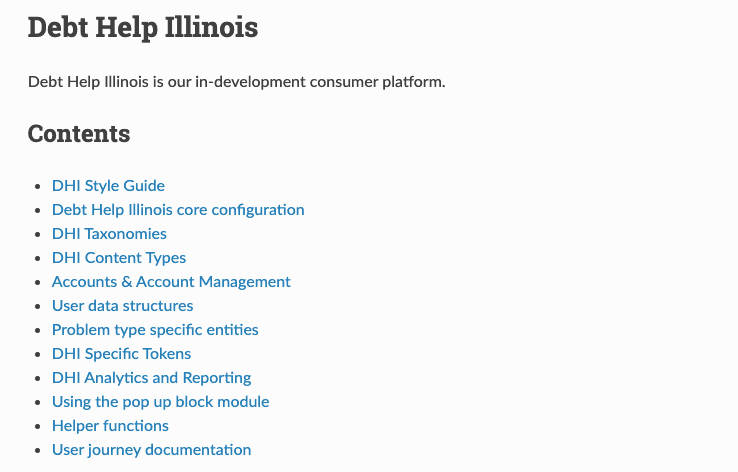
Debt Help IL
An AI-supported resource that provides Illinois consumers and community helpers with tailored legal and financial information to address debt proactively and reduce downstream harms.
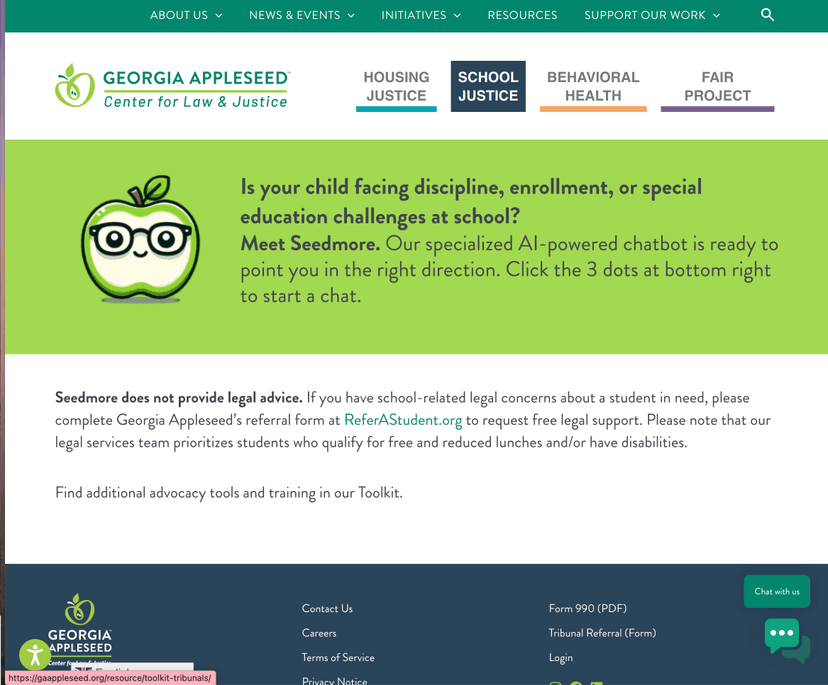
Seedmore chatbot
An AI-supported school discipline and special education navigator that helps parents understand school discipline, enrollment, and special education processes in Georgia, using curated legal and advocacy materials.
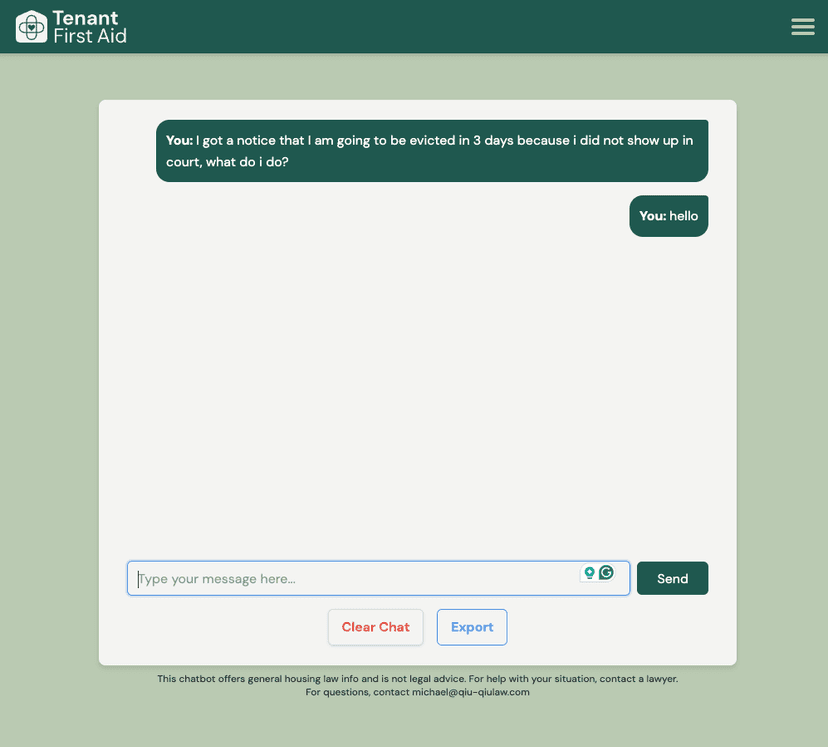
Tenant First Aid
An AI-powered chatbot for Oregon renters facing eviction or landlord disputes. Developed by Code PDX and Qiu Qiu Law, it helps tenants understand their rights and take action.
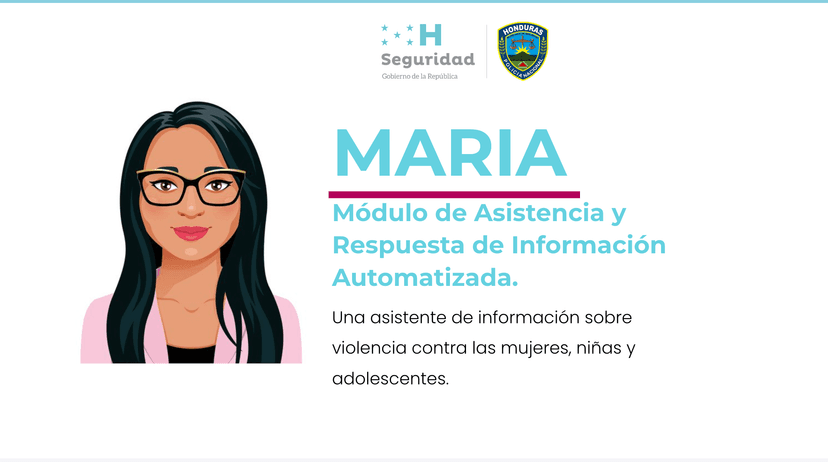
Maria
A free, privacy-preserving AI chatbot from Honduras’ State Secretariat for Security (with UNDP/Infosegura and USAID support) that helps women, girls, and adolescents identify gender-based violence, understand options, and connect to appropriate services, including Linea 114.
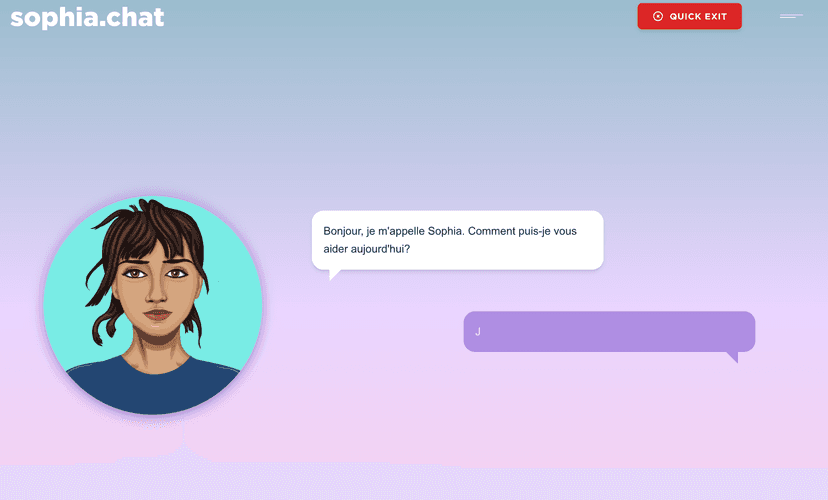
Sophia Chat
A confidential, 24/7 AI chatbot from Swiss NGO Spring ACT that provides expert-reviewed information on domestic violence, safety planning, legal options, and connections to local services—available anonymously worldwide in 25+ languages.
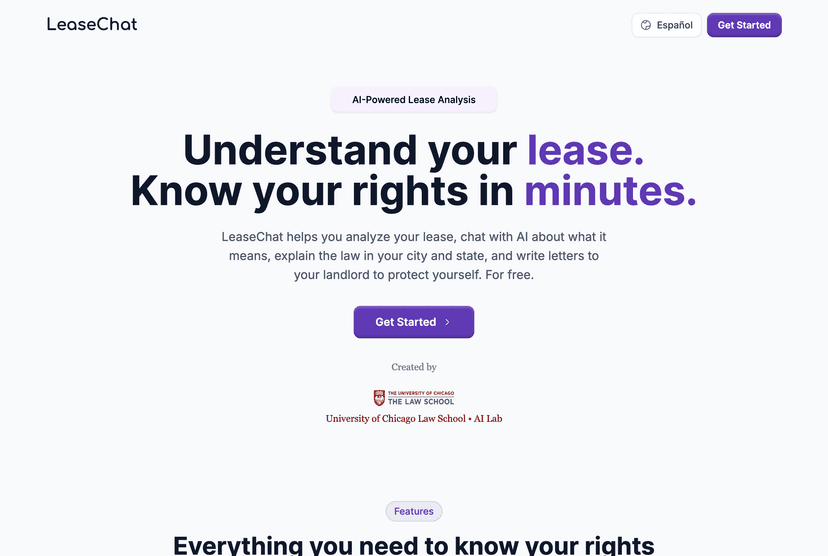
LeaseChat
LeaseChat is a free tool that analyzes residential leases, answers questions with references to the document and local law, and drafts landlord communications.
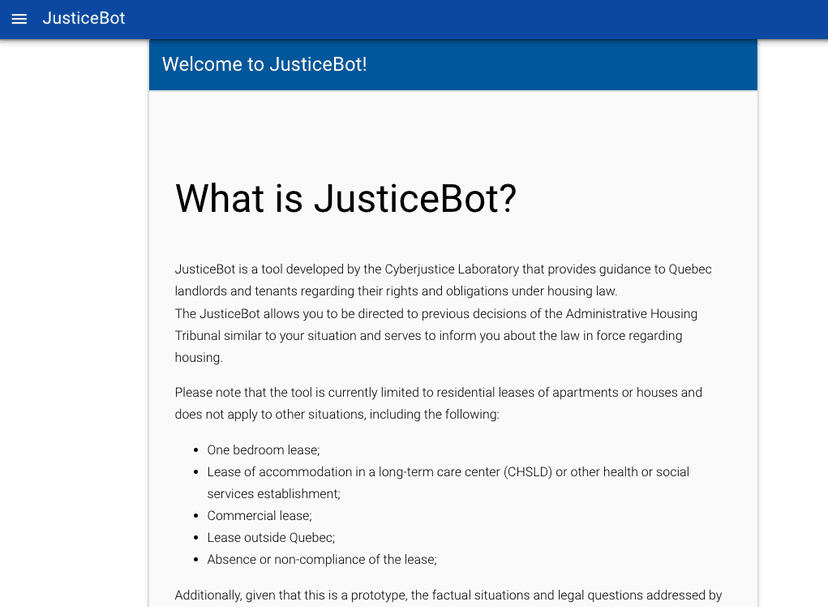
JusticeBot
An AI-powered chatbot from the University of Montreal that helps the public in Quebec understand landlord-tenant rights and responsibilities, using trusted legal information.
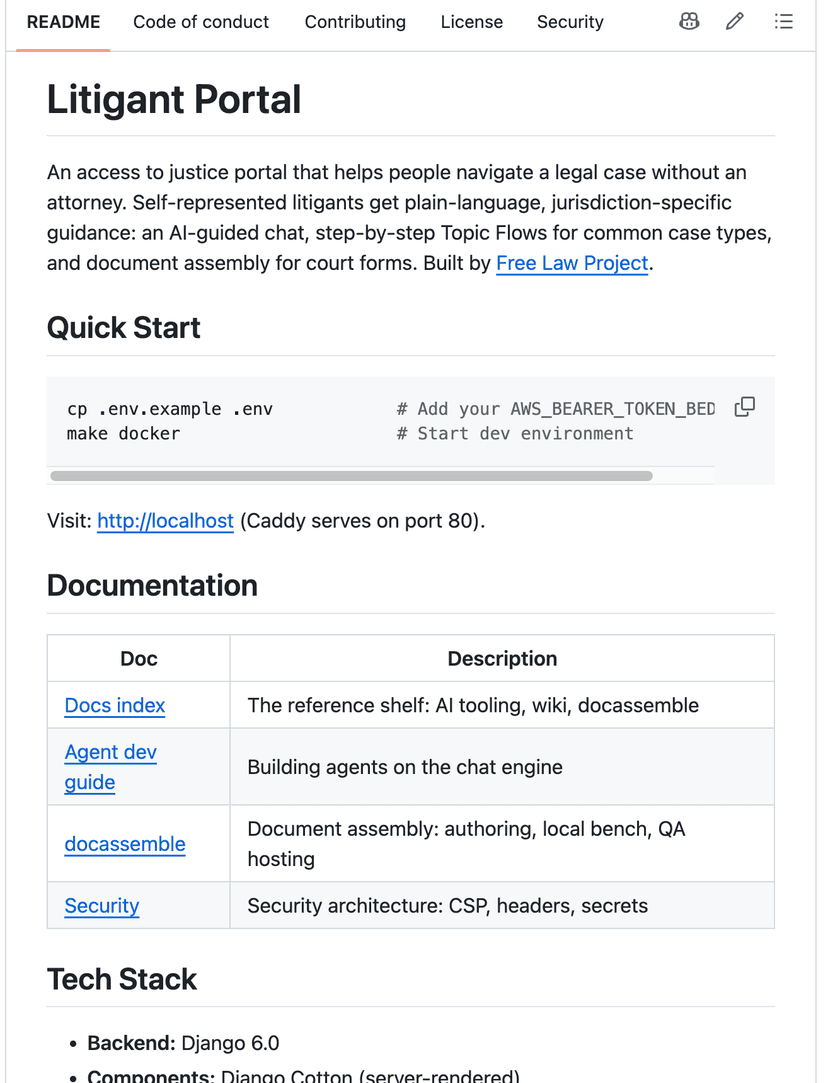
Litigant Portal
A guided legal navigation platform for litigants that courts can deploy under their own name.
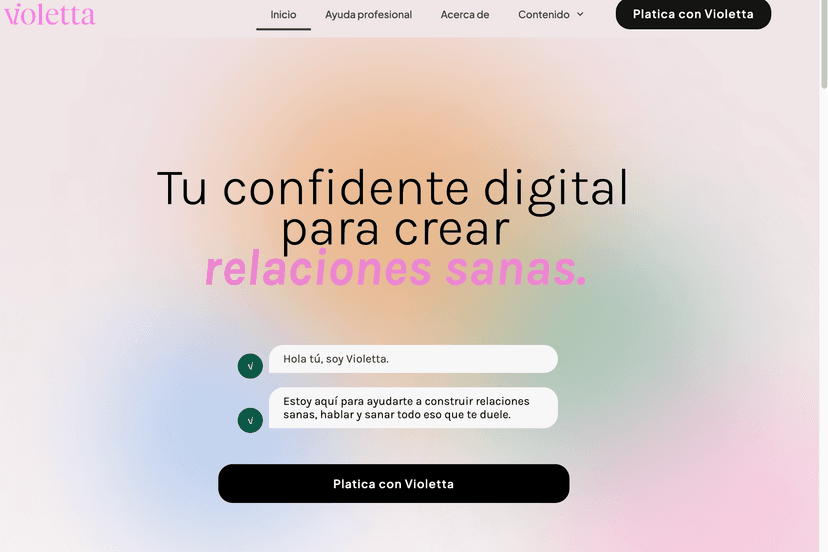
Violetta
A Spanish-language, supervised-ML WhatsApp chatbot that helps users name and understand relationship violence, get tailored guidance, and connect anonymously to human support (including the “Purple Line”) and legal resources in Mexico.
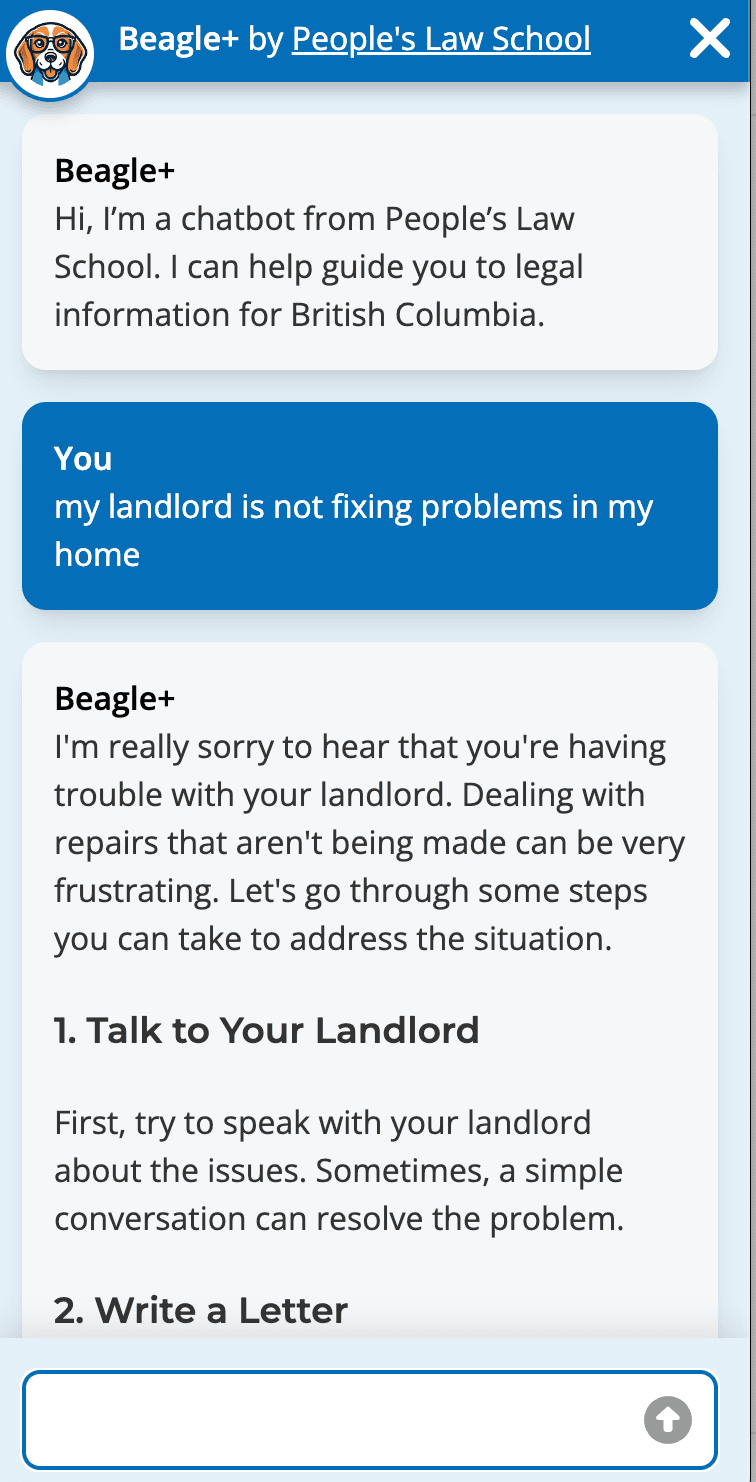
Beagle+
Beagle+ is an AI-powered legal information assistant developed for British Columbia that uses retrieval-augmented generation (RAG) to deliver accurate, jurisdiction-specific legal guidance.
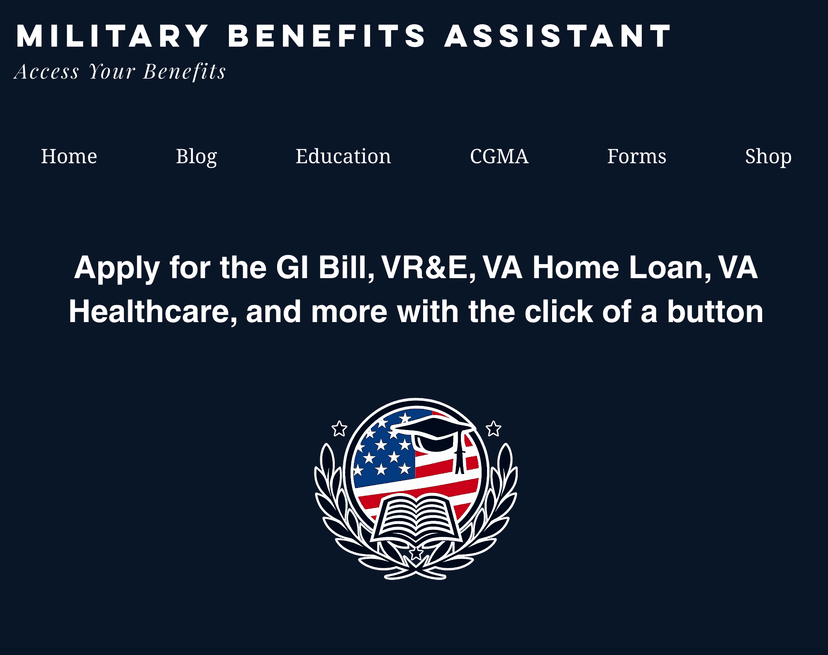
Military Benefits Assistant
A benefits tool for service members, veterans, and their families, currently in beta testing.
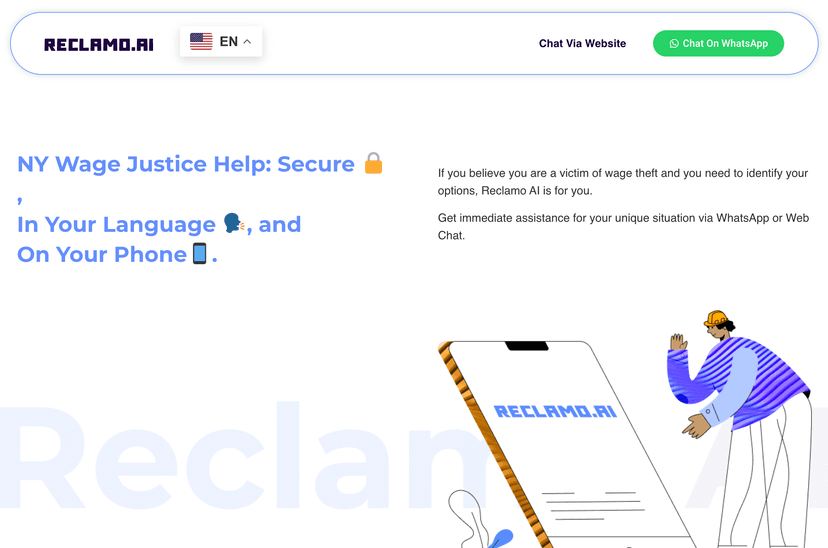
Reclamo AI
A multilingual, mobile-first AI assistant that helps workers in New York understand their wage rights, spot wage theft, and connect to legal aid.
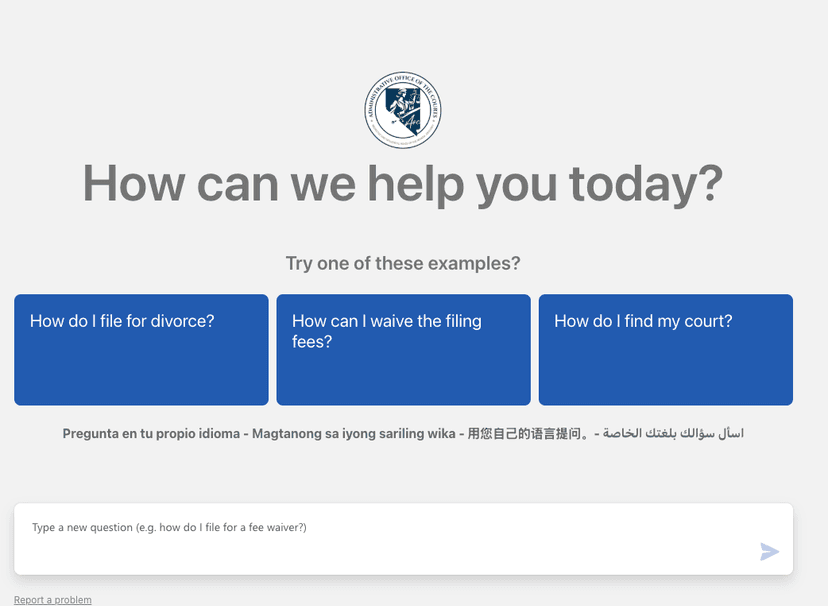
Nevada Family Court chatbot
An AI-supported, multilingual assistant on Nevada’s court self-help site that provides information and guided steps for common family-court processes, grounded in court-approved materials.
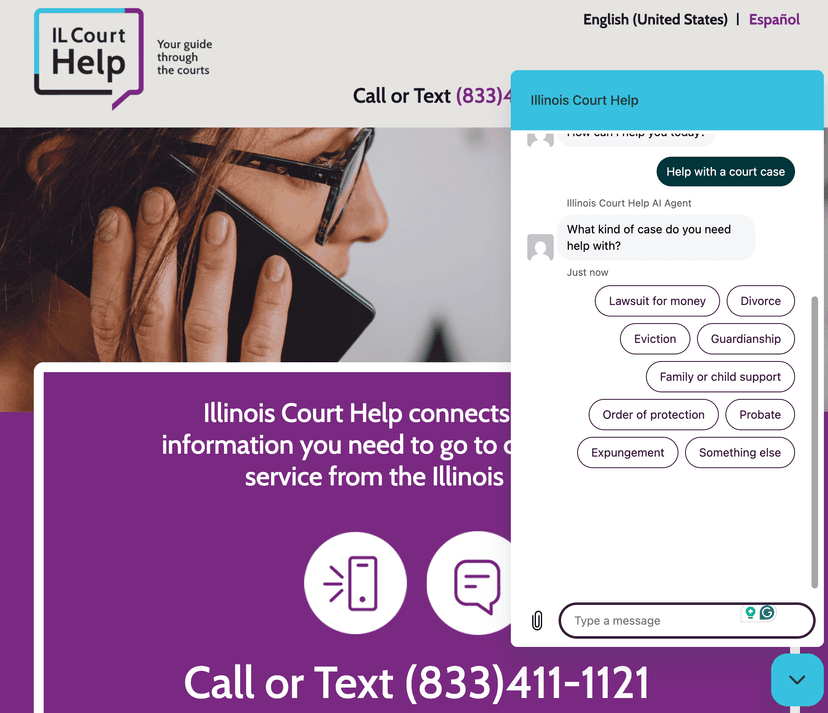
Illinois Court Help
A free service of the Supreme Court of Illinois where trained court guides answer procedural questions by phone, text, email, and chatbot.
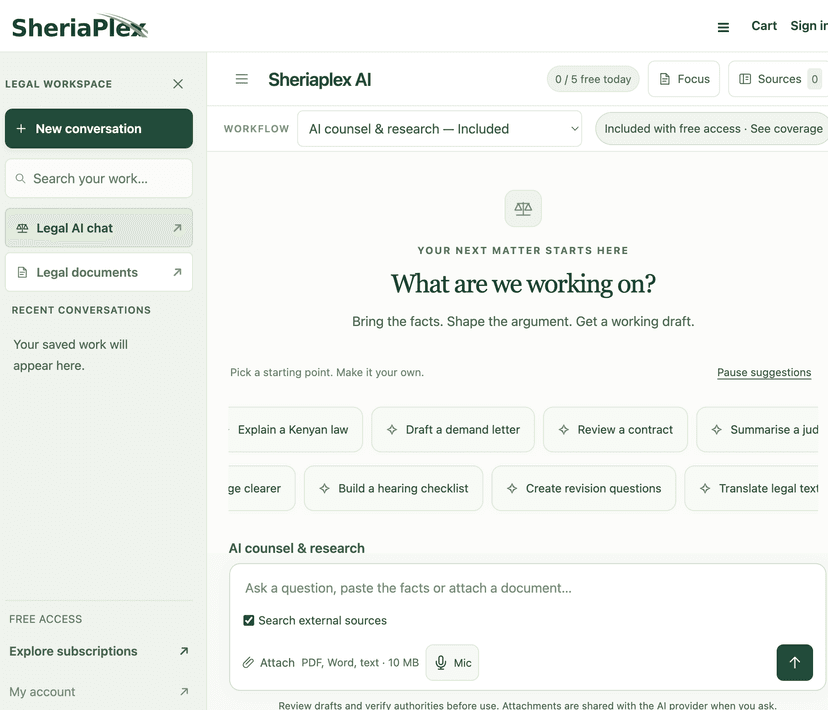
SheriaPlex AI Legal Chatbot
An AI chatbot that gives general legal information on Kenyan law in English and Kiswahili.
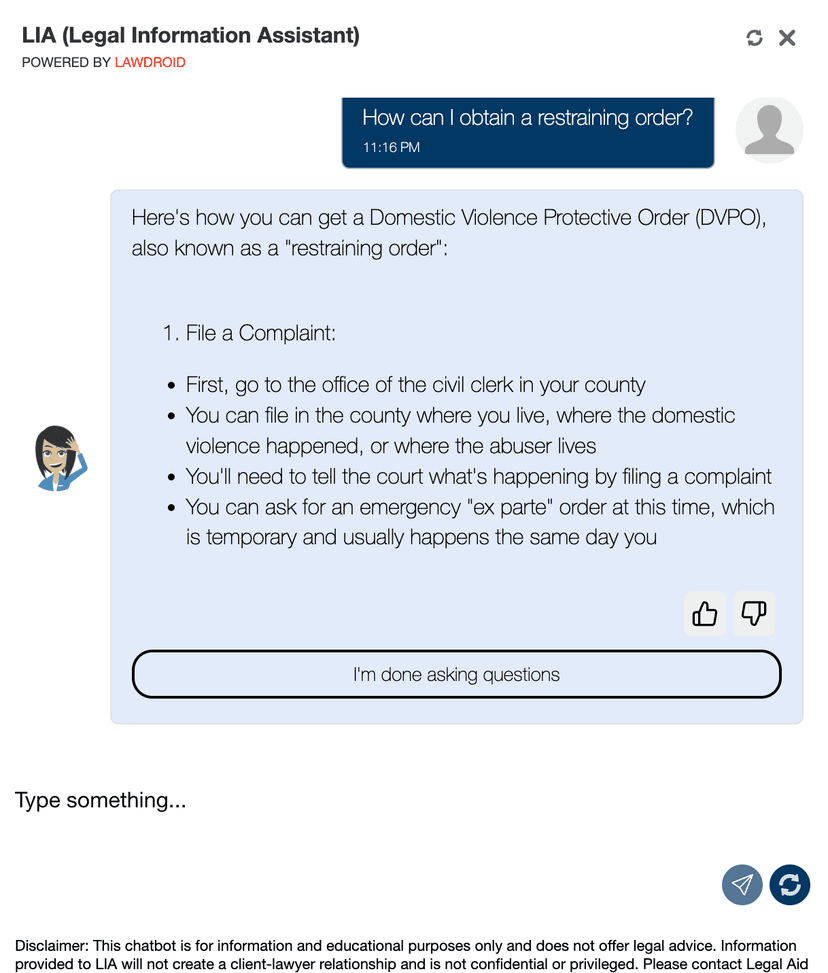
LIA
An AI-powered virtual legal assistant from LANC that helps North Carolinians navigate common civil legal problems with plain-language, bilingual guidance and referrals.
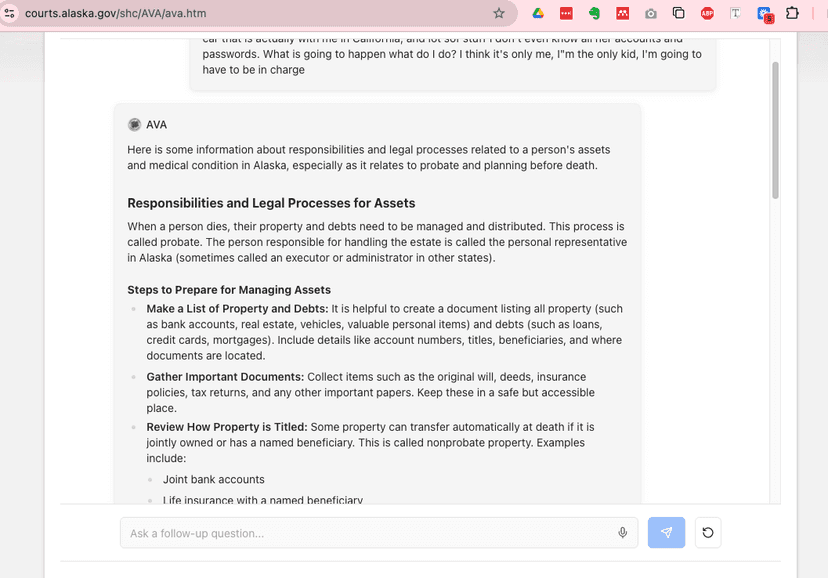
AVA: Alaska Virtual Assistant for Probate
A court-built AI chatbot that answers public questions about Alaska's probate process, grounded in the Alaska Court System's self-help webpages.
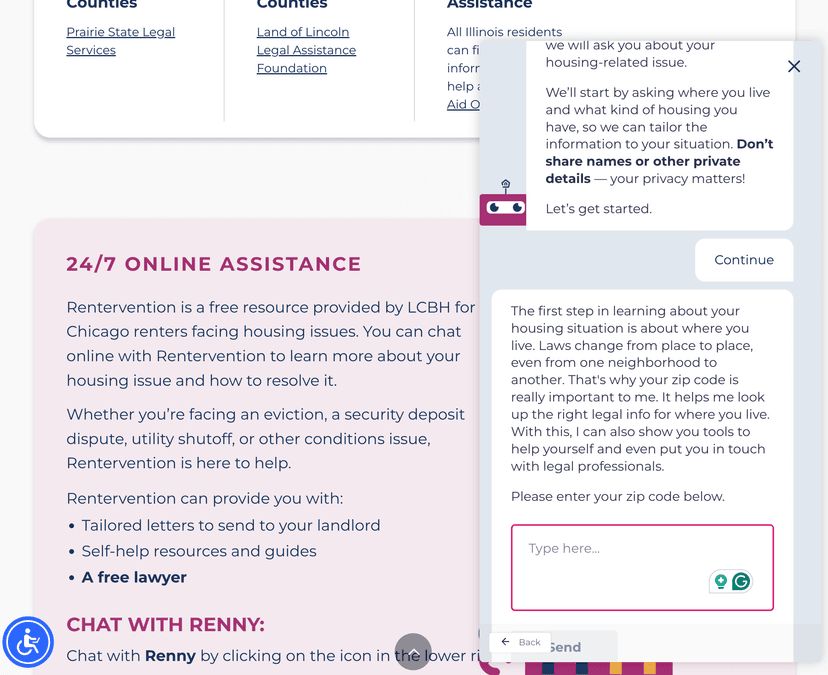
Rentervention
A free, confidential help pathway for Chicago renters that uses an online assistant (“Renny”) to explain rights, draft landlord letters, connect to brief legal advice, and route tenants to appropriate community resources.

Navi community support chatbot
An AI-powered chatbot that helps community members identify legal issues, find appropriate referrals, and access self-help resources in plain language.
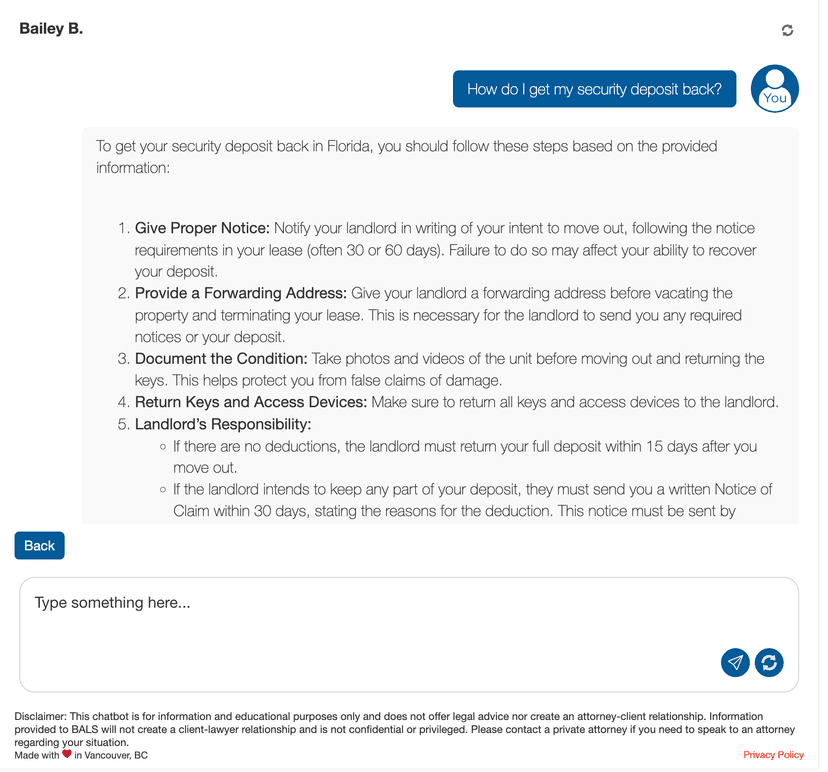
Bailey B.
A free AI assistant from Bay Area Legal Services for Florida tenants, offering rights information, letter drafting, form completion, action plans, and referrals.
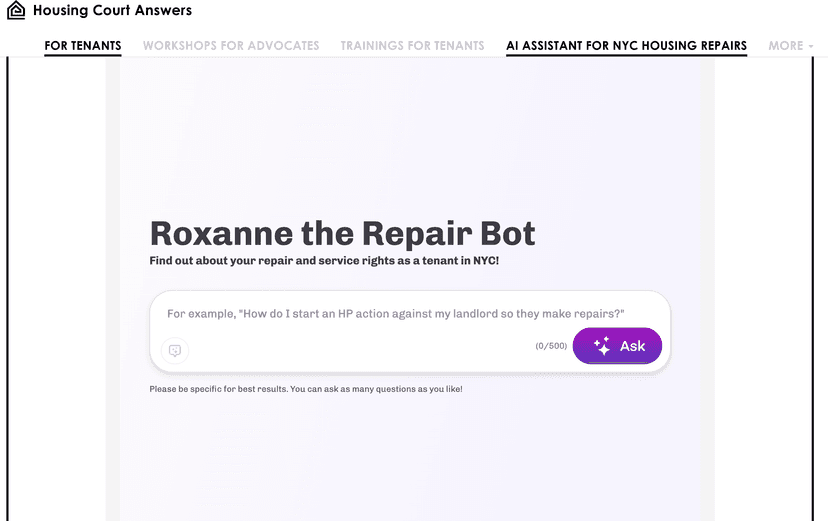
Roxanne the Repair Bot
Roxanne is a chatbot that provides NYC tenants with general guidance on how to get housing repairs, based on trusted information from Housing Court Answers.
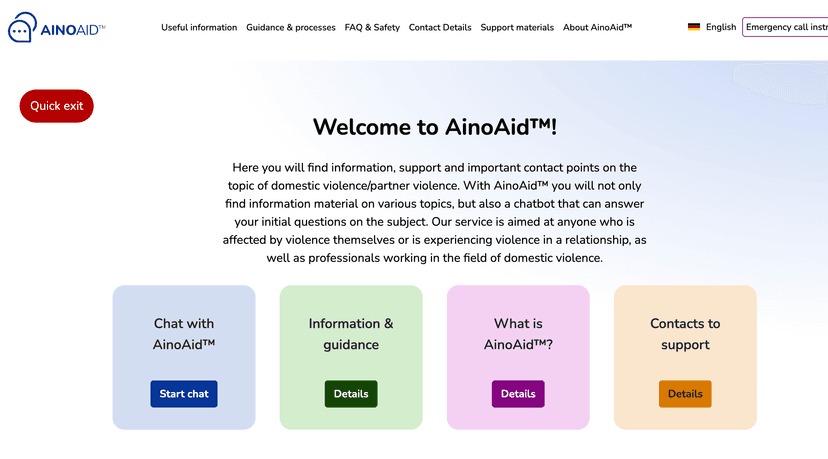
AinoAid
An EU-funded chatbot that offers victims and frontline professionals fast, privacy-preserving guidance on domestic/partner violence, risk awareness, and connections to services—while collecting anonymized signals to improve institutional response.
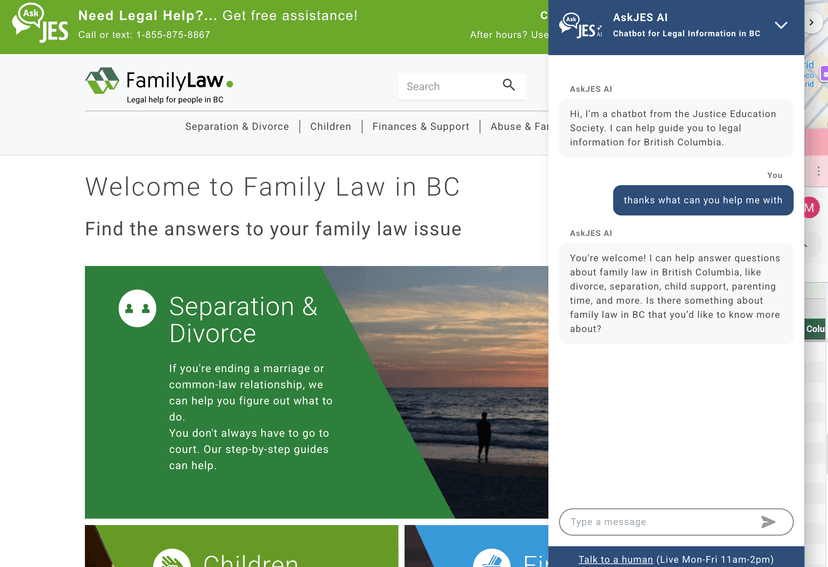
JES Ask AI
A closed-domain AI assistant that answers family-law questions using only legally reviewed content from FamilyLawInBC.ca, paired with live human help during peak hours.
Looking to implement this task? The Legal Help Commons has implementation playbooks, working groups, and shared tools.
Visit Commons ↗·Join a Working Group ↗Other Getting Brief Help Tasks


Added in vv0.1 · Modified in vv0.2